
Osmanthus is a native macOS speed-reader for epub files. It uses RSVP and Optimal Recognition Point techniques to help you read at 2–3× your normal pace — without losing comprehension.
Open any epub from your Mac. Osmanthus extracts the text, cover, and table of contents automatically.
Start at your comfortable reading speed and increase by 20 wpm at a time. Most people end up between 400–600 wpm.
Your eyes stay locked on one point. The app handles pacing, pausing at punctuation so nothing feels rushed.
The Optimal Recognition Point letter is highlighted in red and locked to a fixed column — your eye never moves.
60–1500 words per minute. Fine-tune with arrow keys mid-session; the setting persists across sessions.
Drag and drop or use the file picker. Covers, titles, and authors are extracted automatically.
Browse and jump to any chapter by header. Navigate with arrow keys and undo any jump with ⌘Z.
Press P to peek at the current and previous paragraphs without losing your place.
Press Z to hide all UI chrome and read in full immersion.
Step back through scrubber drags, TOC jumps, and word skips with ⌘Z.
Search and switch to any book instantly from anywhere in the app.
Set a countdown in seconds. Ticks down in real time and pauses automatically when it expires.
Above 500 WPM, the app gradually accelerates from half speed to full over 5 seconds so you ease into the pace.
Resize the word display from 0.5× to 3× with [ and ] or type an exact size.
Follows your system preference automatically. Toggle manually at any time with D.
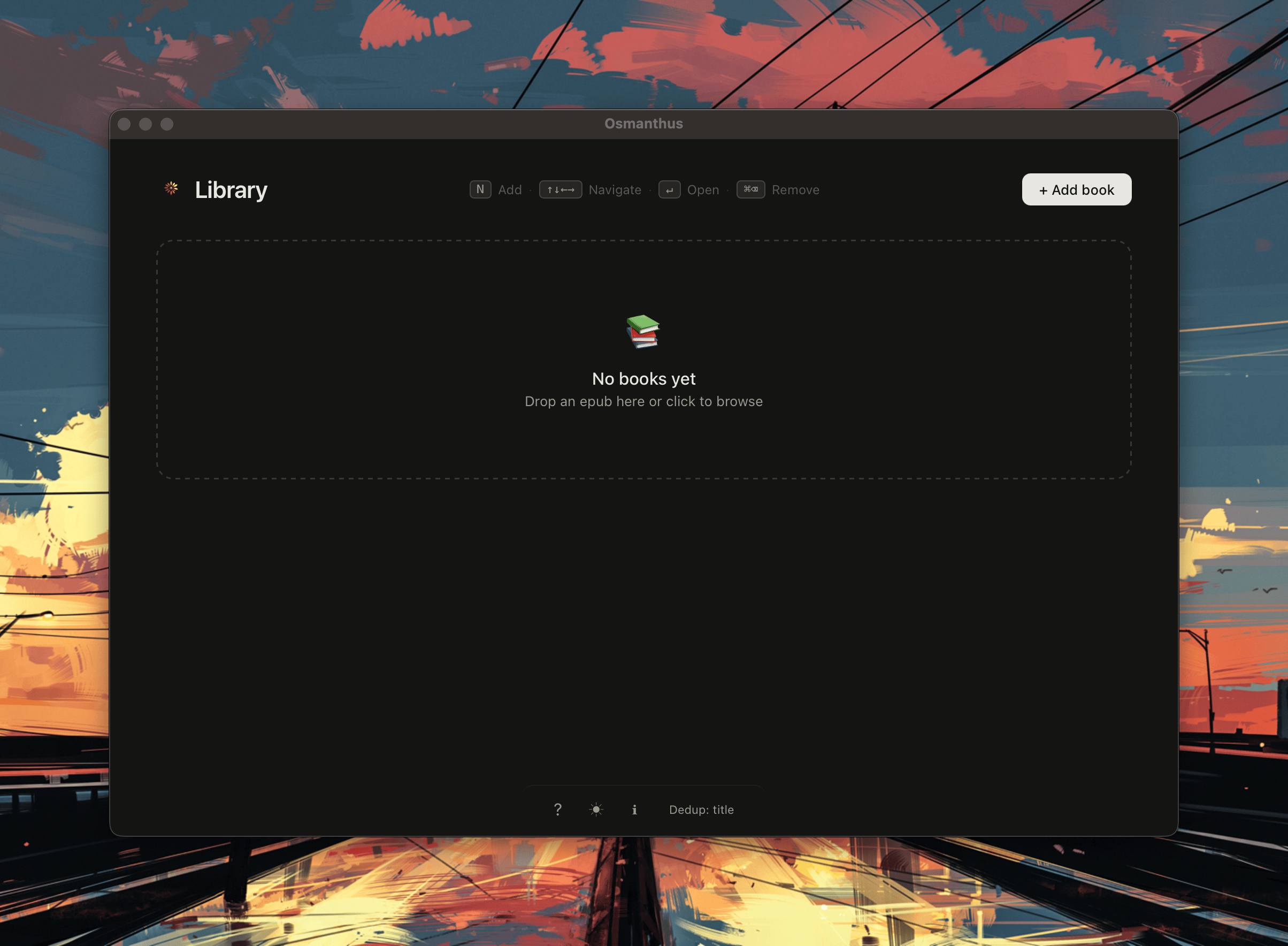
Empty library
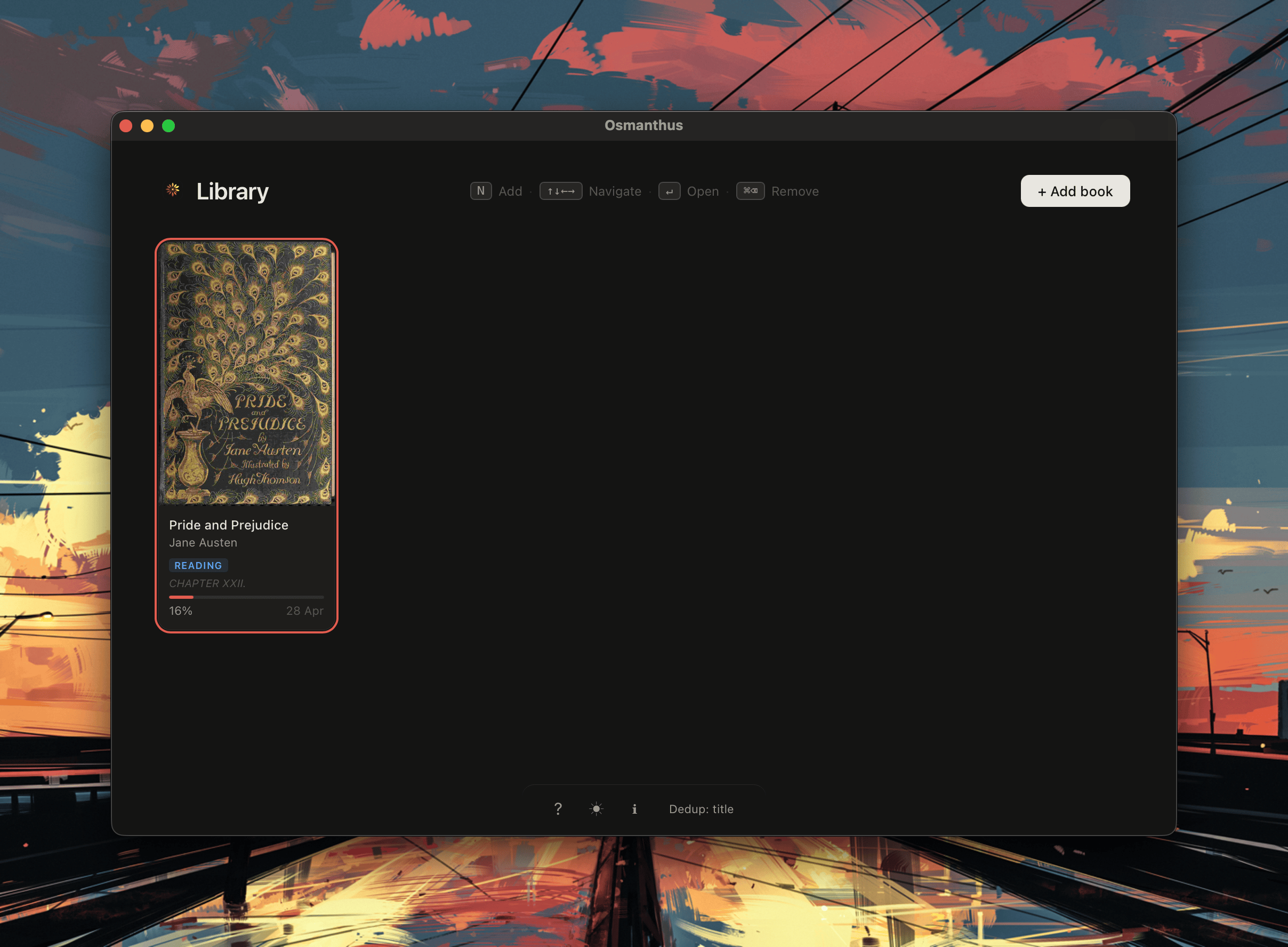
Library
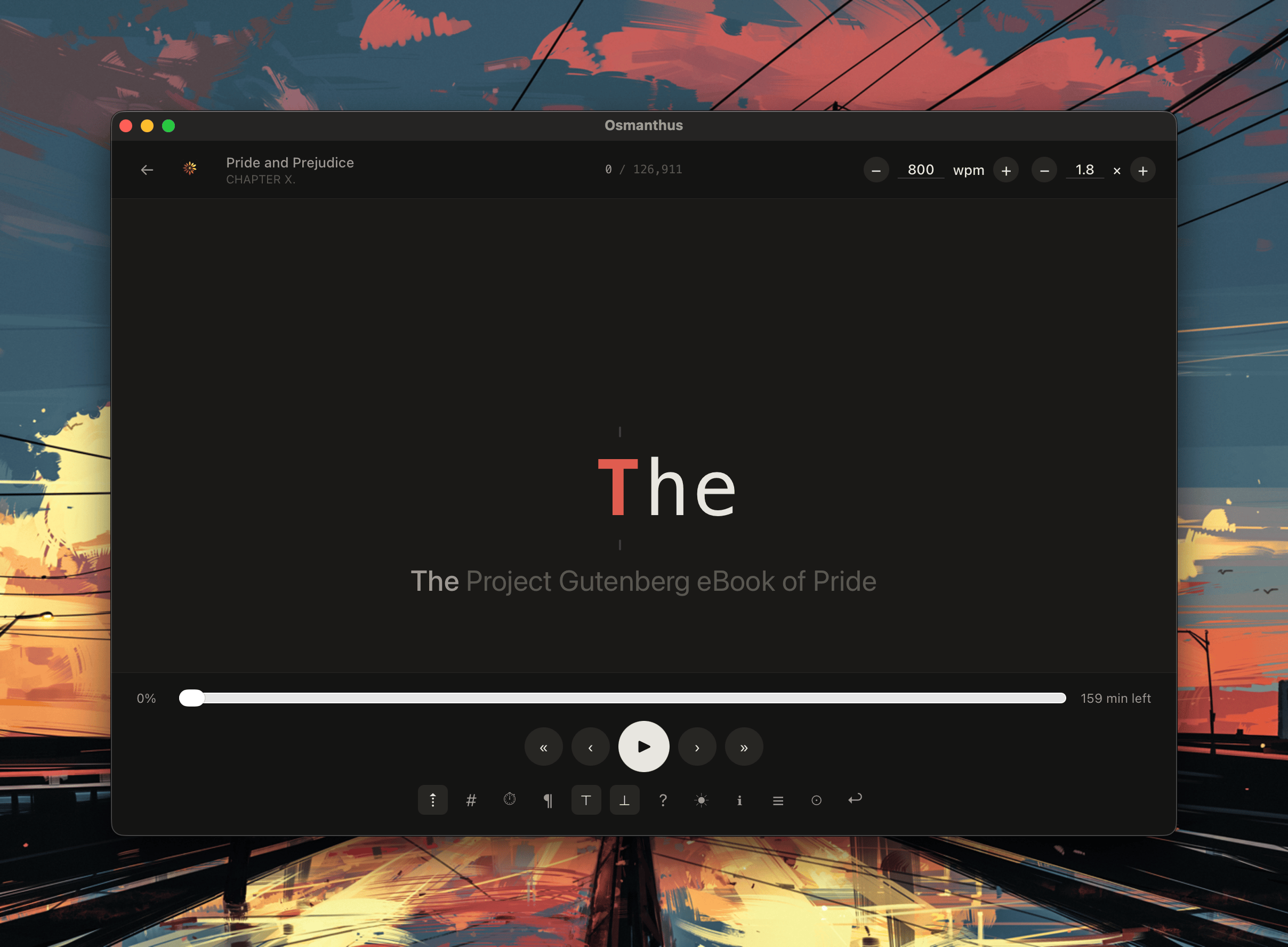
Reader
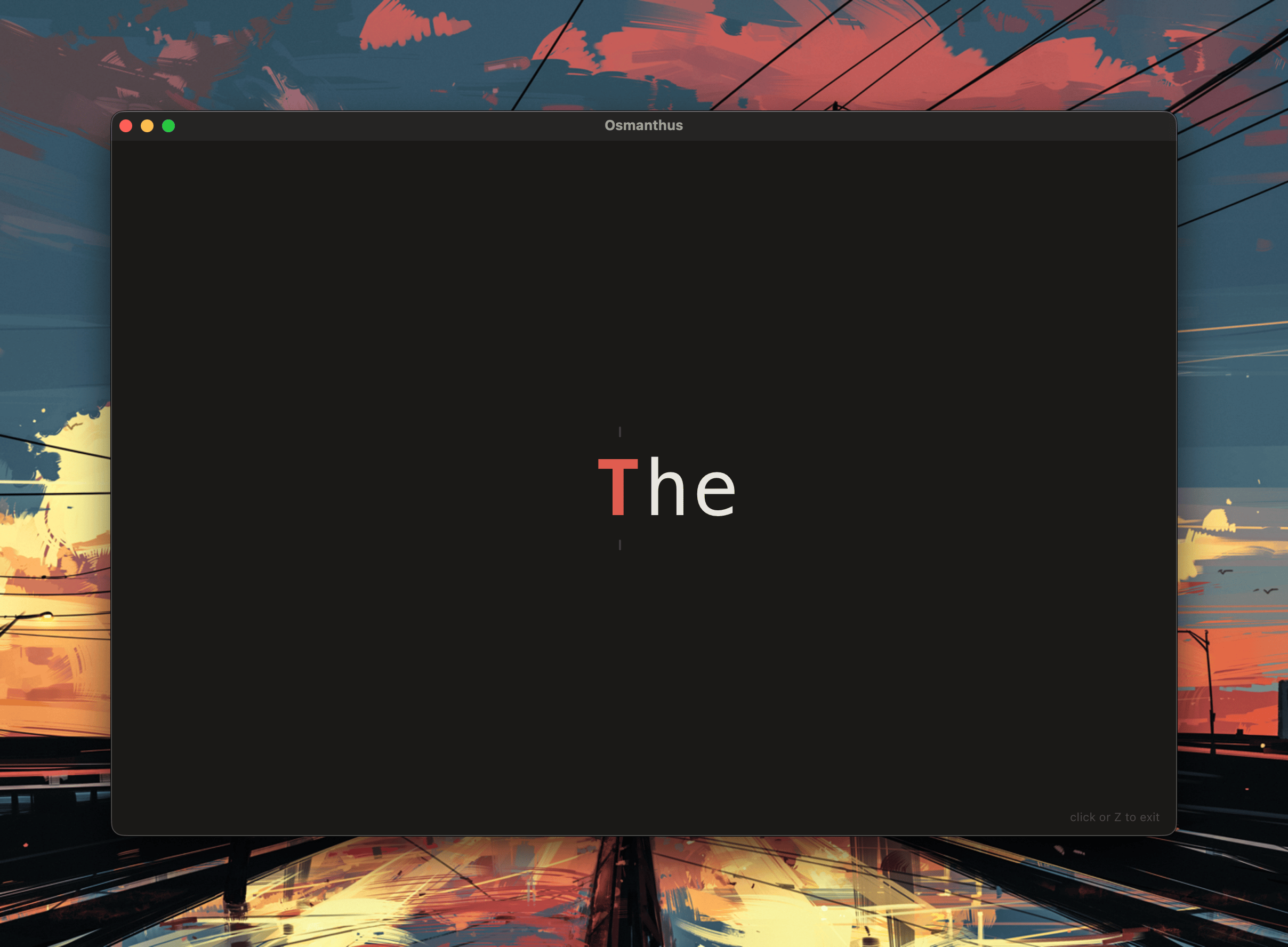
Zen mode
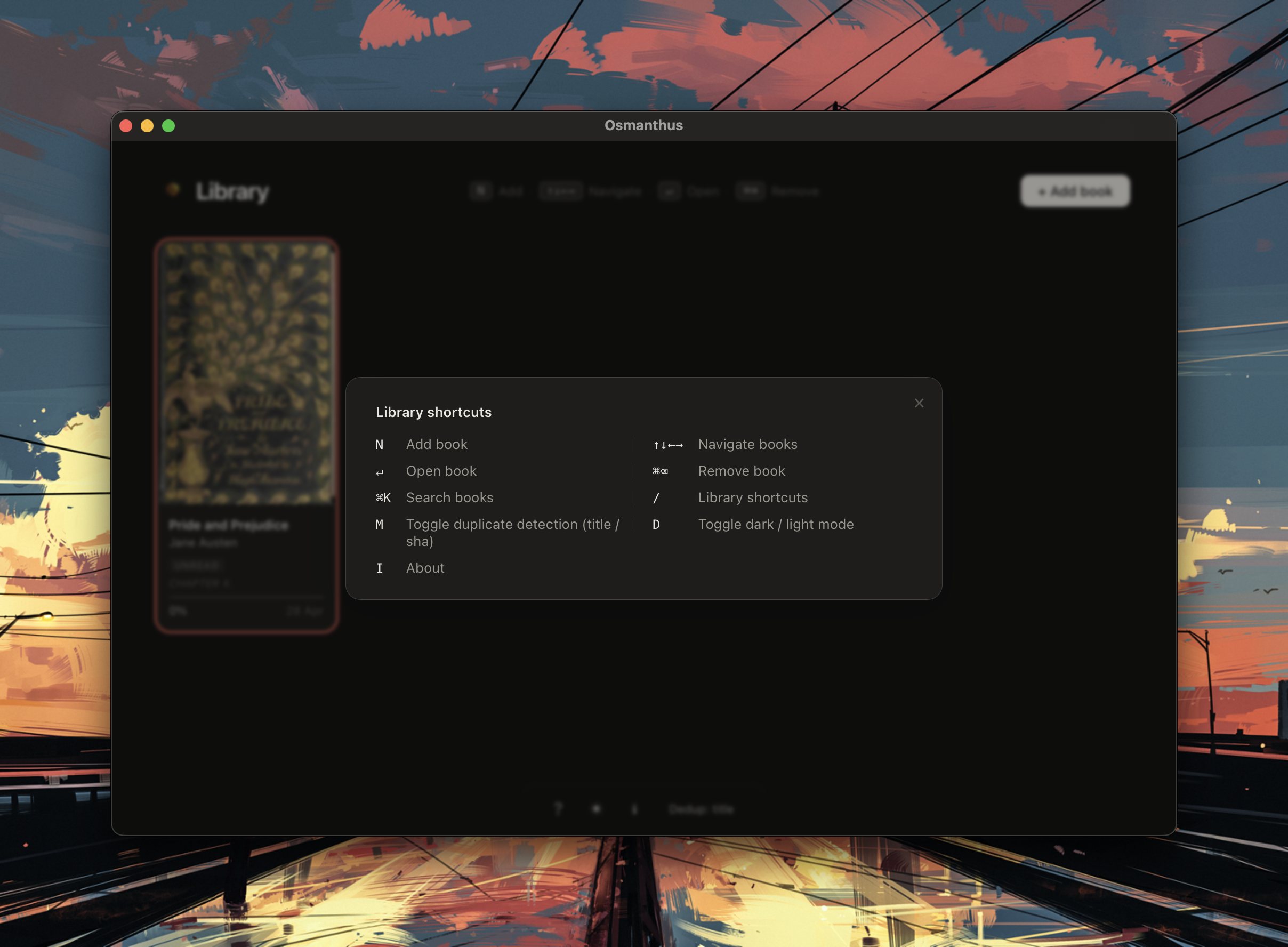
Library shortcuts
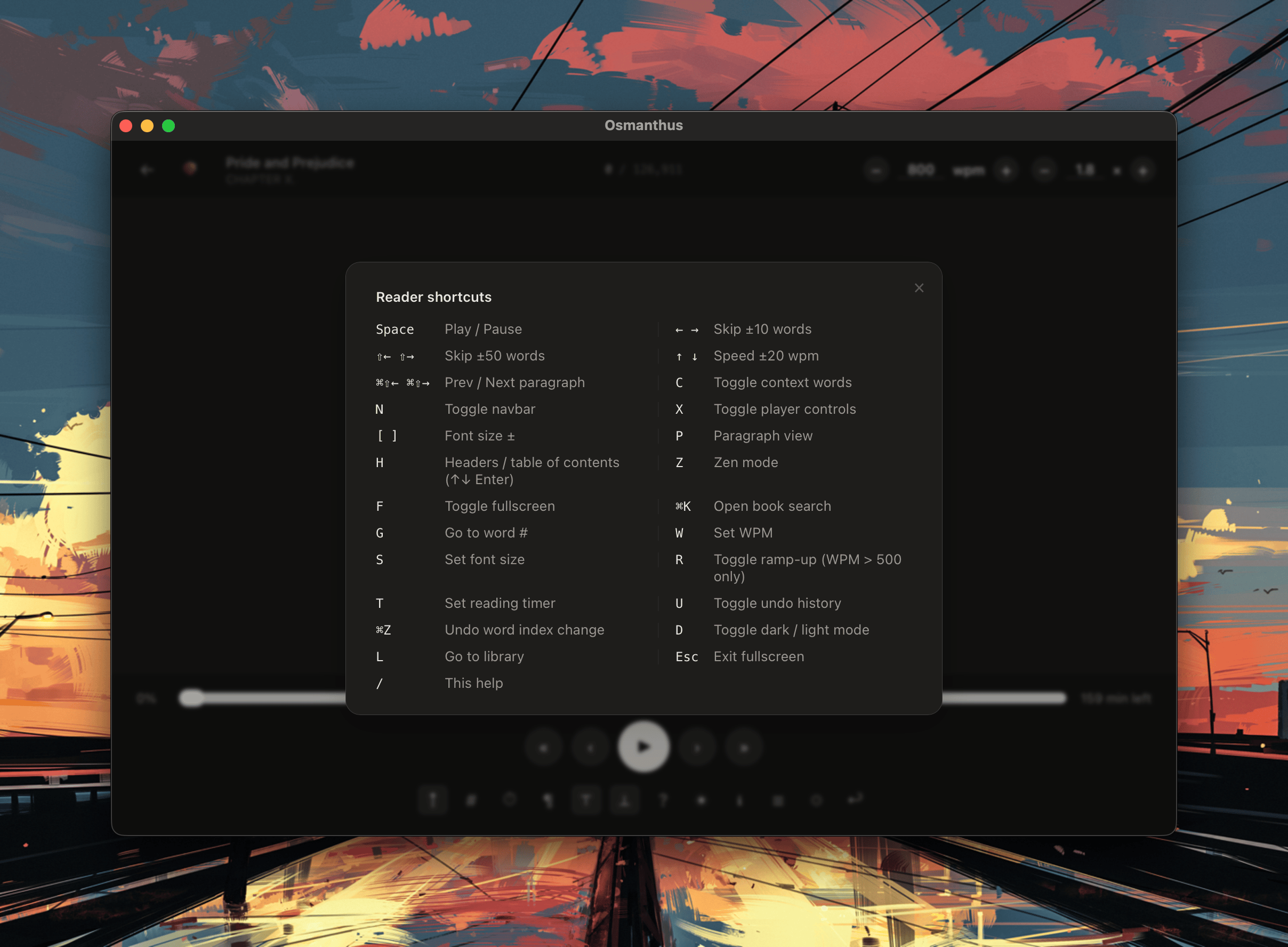
Reader shortcuts